> ## Documentation Index
> Fetch the complete documentation index at: https://docs.byzly.com/llms.txt
> Use this file to discover all available pages before exploring further.
# 3-D Secure in Embed
Any merchant using Embed automatically benefits from **Universal 3-D
Secure** once it has been [set up](/guides/features/3ds/setup) for a payment service.
 Additionally, **Dynamic 3-D Secure** can be set up using Flow rules, allowing dynamic
skipping or forcing of 3-D Secure based on anti-fraud decisions, cart items, or any other transaction data.
## Buyers and billing details
To optimize 3-D Secure it is highly recommended to provide a buyer with billing details attached to Embed.
A buyer can be set up via the [`POST /buyers`](/reference/buyers/new-buyer)
API. The buyer can then be attached to Embed by using the `buyerId` or
`buyerExternalIdentifier` property. The buyer's name, email address, and billing
address are used to help reduce buyers being asked to complete a 3-D Secure
challenge.
```js React theme={"system"}
```
```js Node theme={"system"}
gr4vy.setup({
gr4vyId: "example",
amount: 1299,
currency: "AUD",
country: "AU",
buyerExternalIdentifier: "user-1234",
...
});
```
The system uses these billing details when contacting payment services, 3-D Secure Server, anti-fraud services, and more.
## Features
For every transaction, the system handles the following steps.
1. Detect if any Flow rule explicitly requires or skips 3-D Secure
2. Detect if the selected payment service for this transaction has 3-D Secure
enabled
3. Detect if the card used in the transaction is enrolled for 3-D Secure
4. Handle the seamless frictionless 3-D Secure flow including the device finger
printing
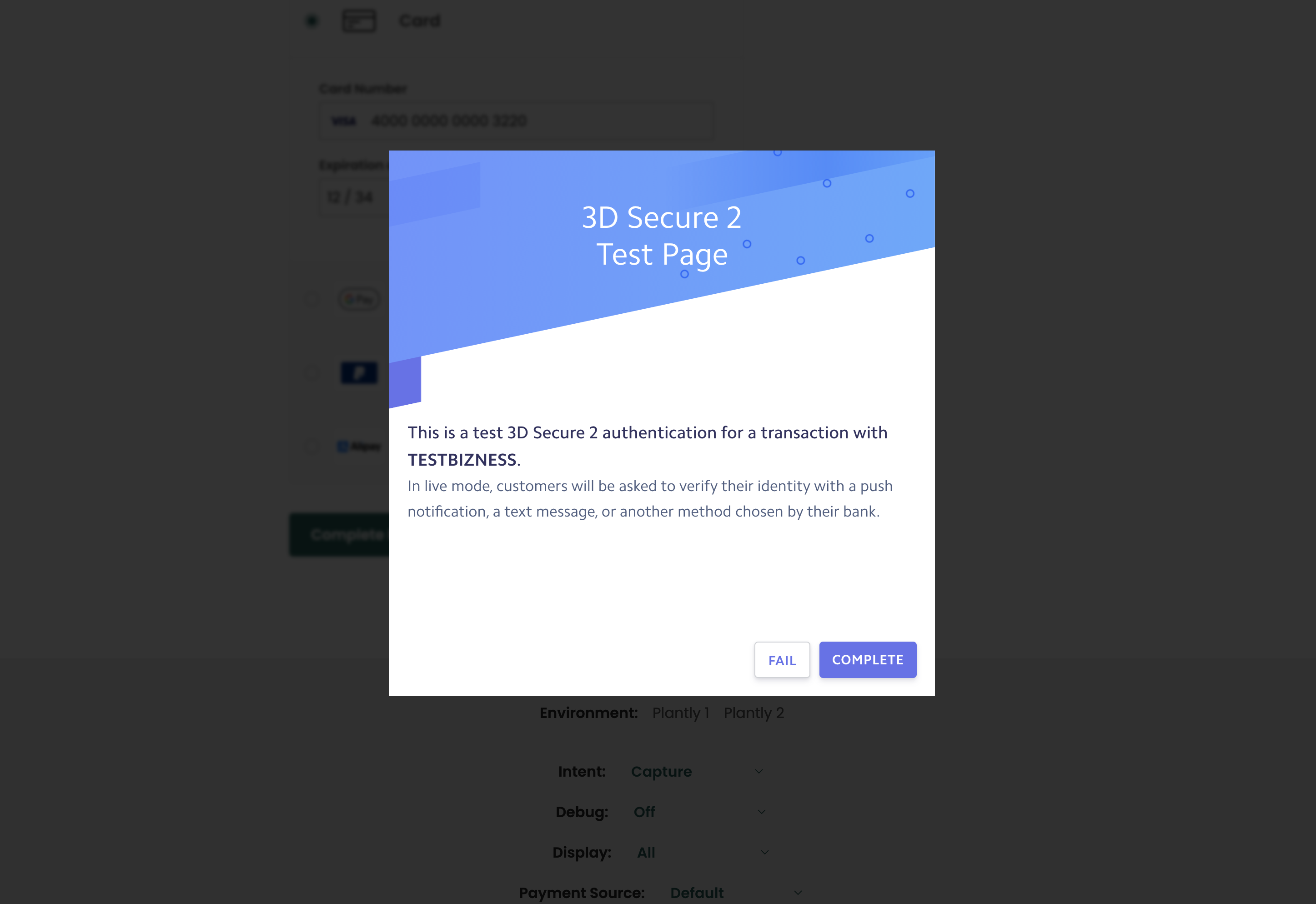
5. Handle the 3-D Secure challenge flow, where a buyer is directed in-page to
their bank to approve the transaction
## Usage
To use 3-D Secure in Embed, [set up](/guides/features/3ds/setup)
3-D Secure on any of the enabled payment services. Once configured, Embed
handles all the user interactions.
Additionally, **Dynamic 3-D Secure** can be set up using Flow rules, allowing dynamic
skipping or forcing of 3-D Secure based on anti-fraud decisions, cart items, or any other transaction data.
## Buyers and billing details
To optimize 3-D Secure it is highly recommended to provide a buyer with billing details attached to Embed.
A buyer can be set up via the [`POST /buyers`](/reference/buyers/new-buyer)
API. The buyer can then be attached to Embed by using the `buyerId` or
`buyerExternalIdentifier` property. The buyer's name, email address, and billing
address are used to help reduce buyers being asked to complete a 3-D Secure
challenge.
```js React theme={"system"}
```
```js Node theme={"system"}
gr4vy.setup({
gr4vyId: "example",
amount: 1299,
currency: "AUD",
country: "AU",
buyerExternalIdentifier: "user-1234",
...
});
```
The system uses these billing details when contacting payment services, 3-D Secure Server, anti-fraud services, and more.
## Features
For every transaction, the system handles the following steps.
1. Detect if any Flow rule explicitly requires or skips 3-D Secure
2. Detect if the selected payment service for this transaction has 3-D Secure
enabled
3. Detect if the card used in the transaction is enrolled for 3-D Secure
4. Handle the seamless frictionless 3-D Secure flow including the device finger
printing
5. Handle the 3-D Secure challenge flow, where a buyer is directed in-page to
their bank to approve the transaction
## Usage
To use 3-D Secure in Embed, [set up](/guides/features/3ds/setup)
3-D Secure on any of the enabled payment services. Once configured, Embed
handles all the user interactions.