

Supported payment methods
Integration shows how the buyer pays:- Direct: you send card or bank account details through Gr4vy, using Embed, Secure Fields, or the API. Gr4vy stores bank accounts. See Bank payments.
- Redirect: the buyer completes the payment on the provider’s page, and the provider keeps their details.
- Redirect or SDK: as redirect, or you can use the provider’s own SDK or components in place of the redirect. See the method’s page.
Setup
To sign-up for a Cybersource account, request a sandbox account, this can take 1-2 days.Credentials
Cybersource supports two authentication methods. The existing method uses HTTP Signature with a shared secret key. Cybersource is retiring this in favour of JWT authentication with Message Level Encryption (MLE), which encrypts request and response payloads at the app layer to protect sensitive data. All configurations require your Merchant ID, which is the Cybersource-assigned ID for your account, found in the Cybersource Business Center.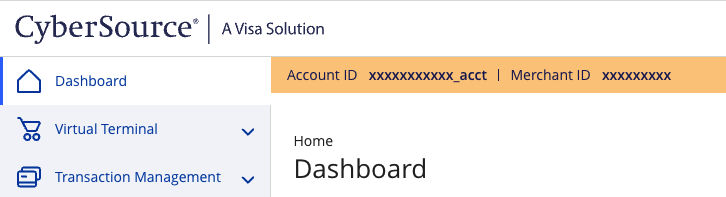
Cybersource Merchant ID
HTTP signature (soon to be deprecated)
Merchant Key ID and Merchant Secret Key: create a REST API Shared Secret Key. This is also documented on the Cybersource Knowledge Base.- Sign in to the Cybersource Business Center (Test or Production) where the key is used
- Select Payment Configuration > Key Management
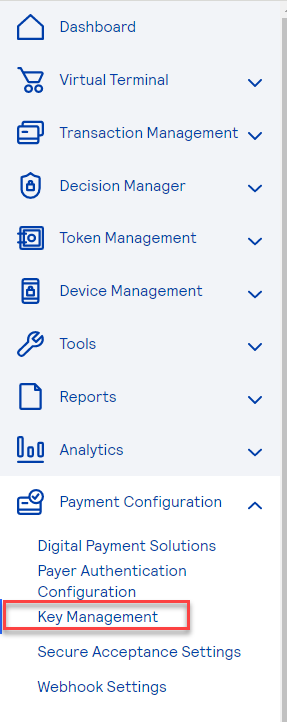
Cybersource Key Management Menu
- Select Generate Key at the top right
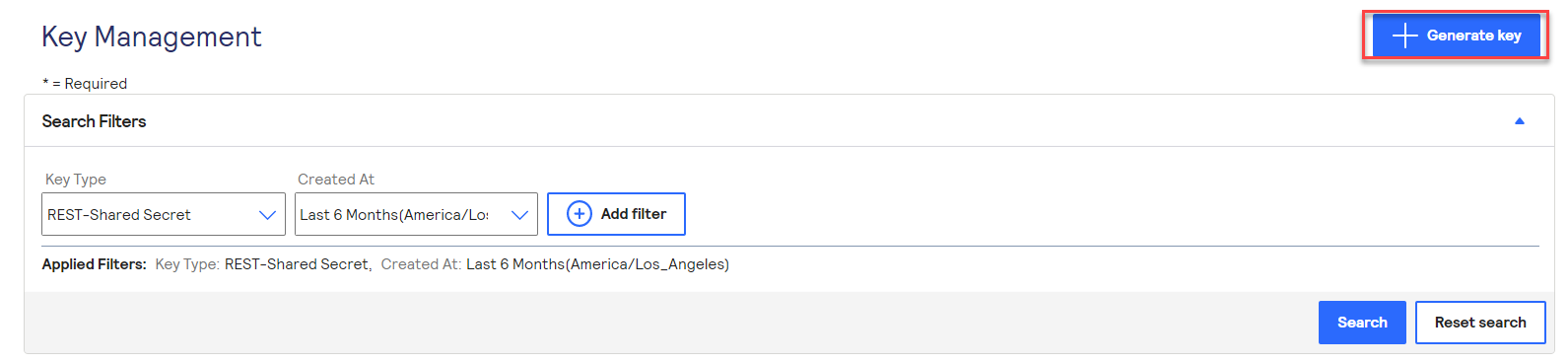
Cybersource Generate Key
- From the list, make sure to check the radio button for REST APIs - REST - Shared Secret Key
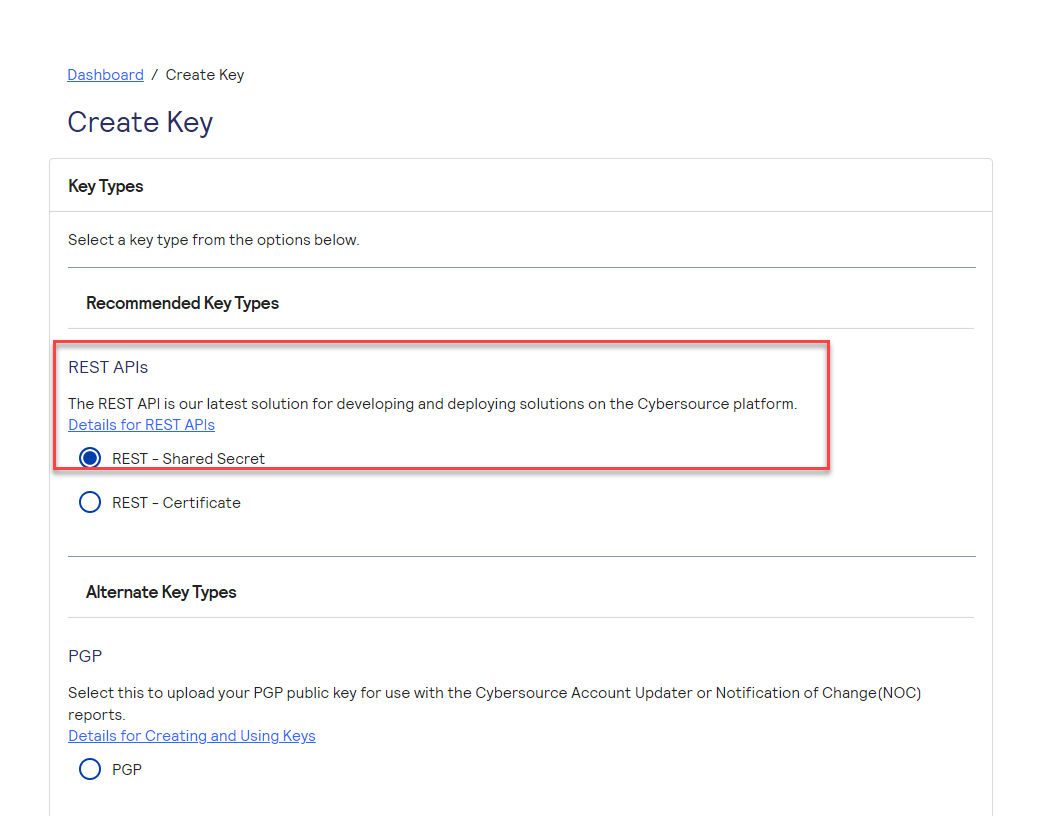
Cybersource Create Key
- Click Generate Key at the bottom
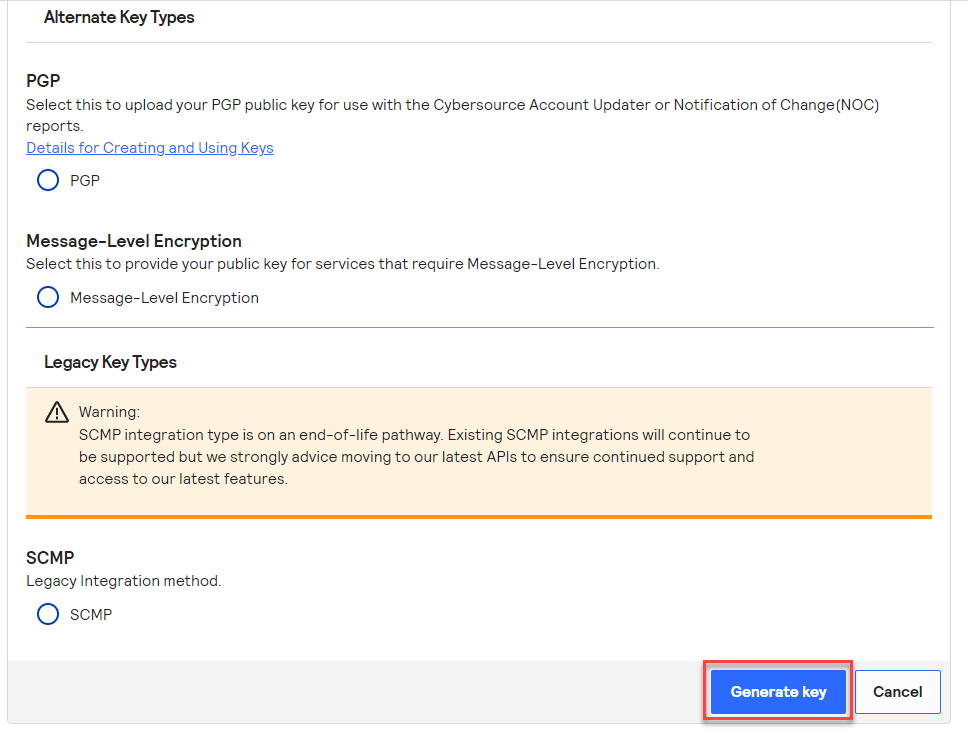
Cybersource Complete Generate Key
- Click Download Key or copy the keys using the copy function next to Key and Shared Secret
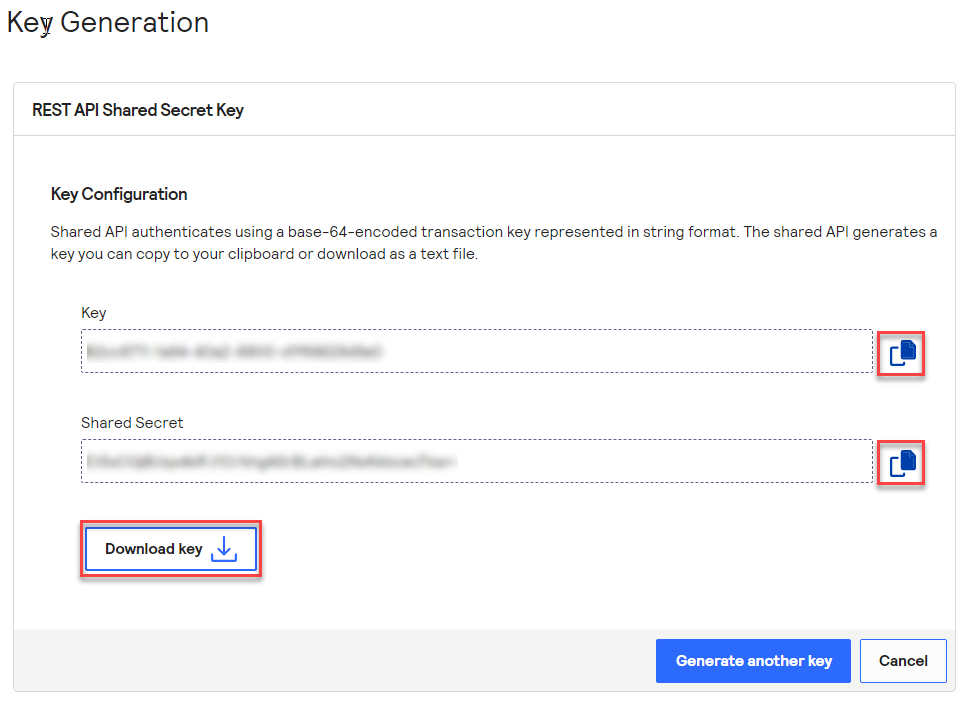
Cybersource Key ID
Key ID:
- Go to Payment Configuration > Key Management
Cybersource Key Management Menu
- Find the key from the list
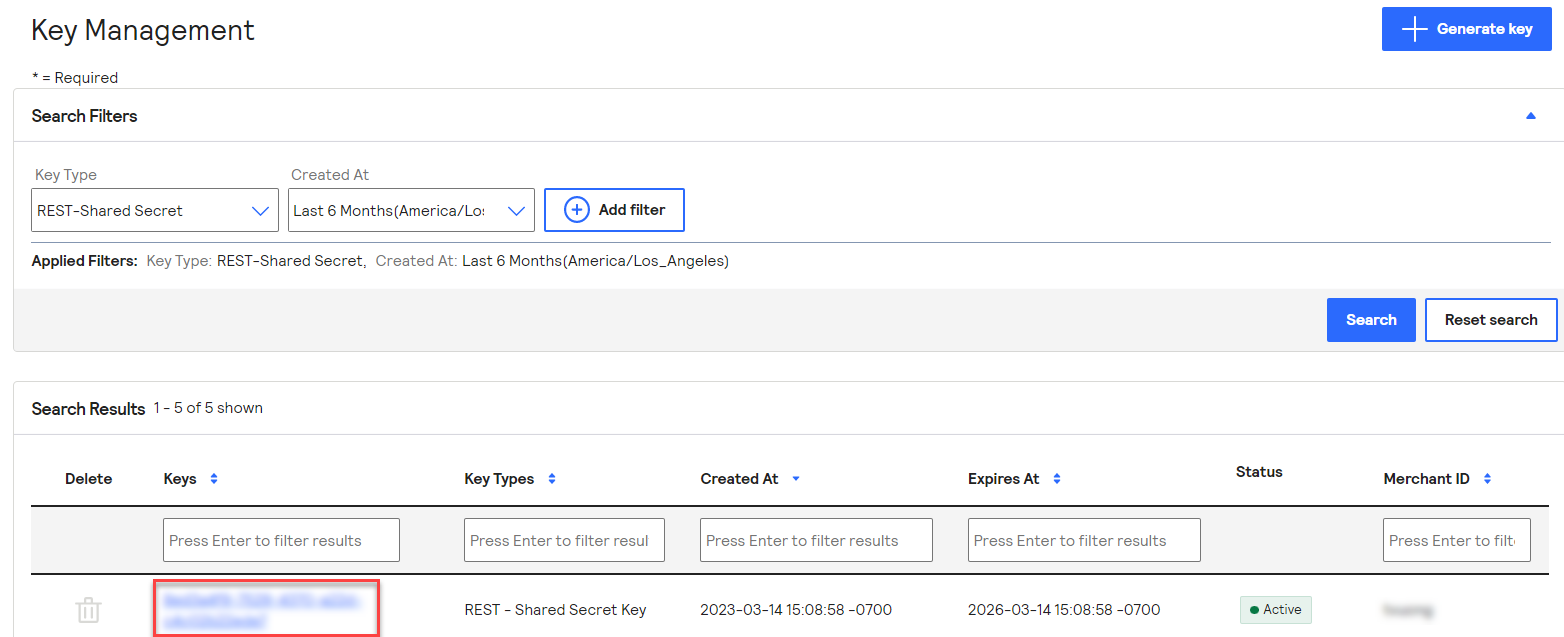
Cybersource Generate Key
- The
Key IDis listed below theKey Detailtitle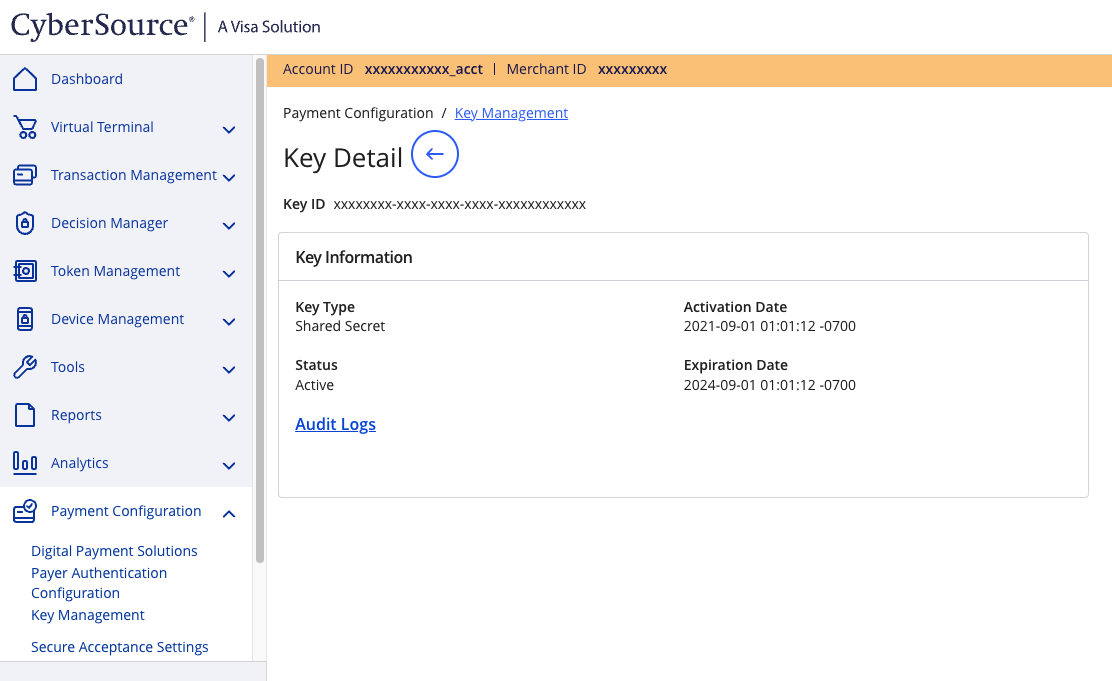
Cybersource Merchant ID
JWT and message level encryption
When all four fields below are configured, Gr4vy automatically uses the JWT + MLE path. P12 Certificate: the certificate file used to sign JWT authentication headers and to encrypt the request payload sent to Cybersource. Generated in Cybersource Business Center under Key Management as a REST–Certificate. To generate a P12 certificate for the sandbox or production environment:- Sign in to Cybersource Business Center
- On the left navigation panel, go to Payment Configuration > Key Management
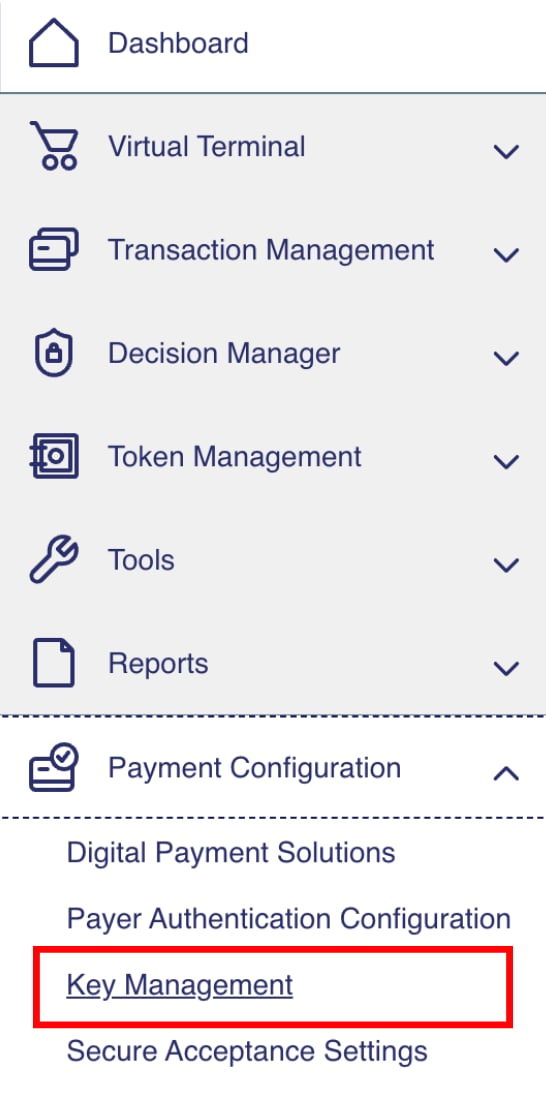
Key Management menu
- Click + Generate key

Generate key button
- On the Create Key panel, select REST–Certificate, scroll down and click Generate key
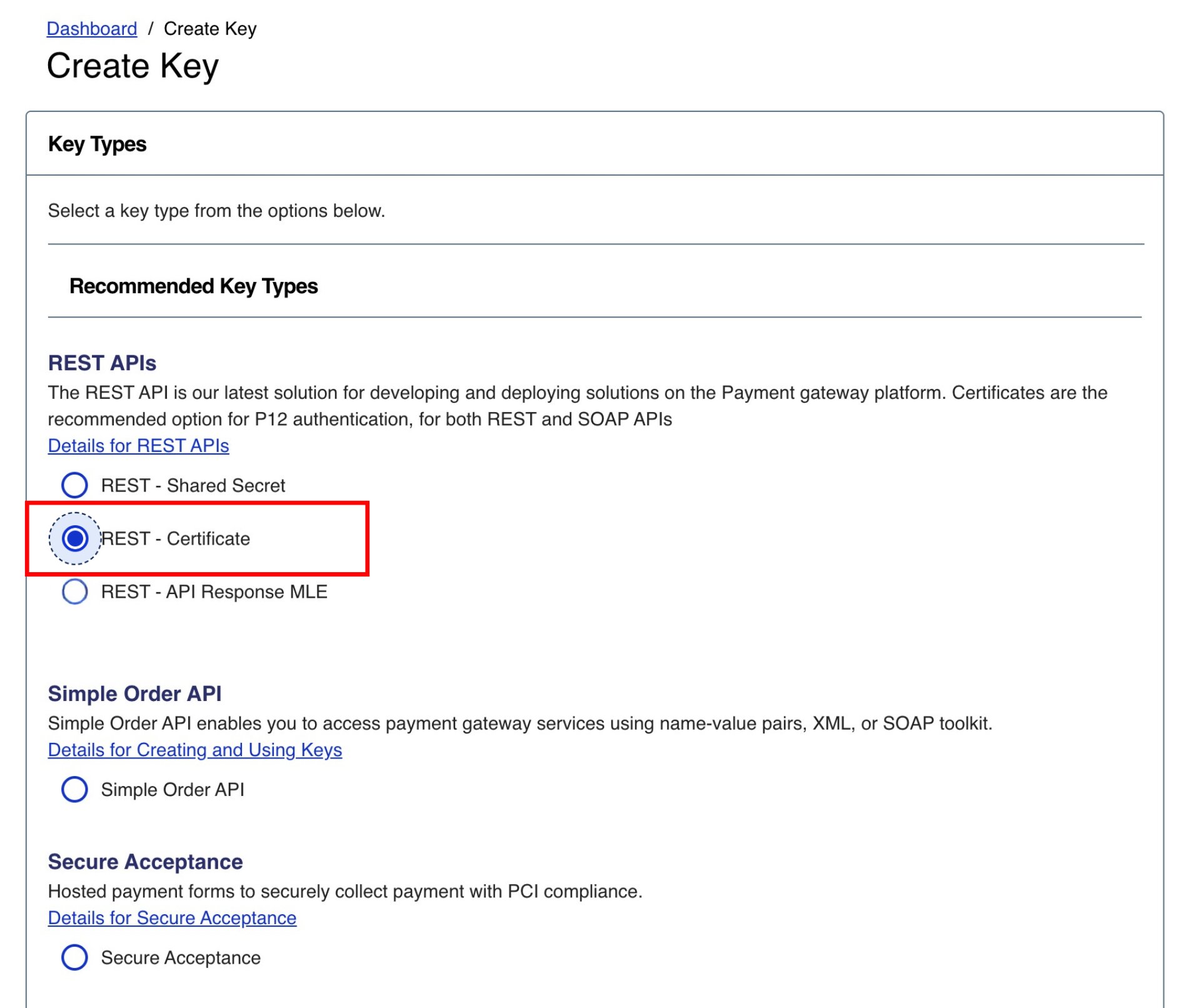
Create Key panel with REST–Certificate selected
- Click Download key
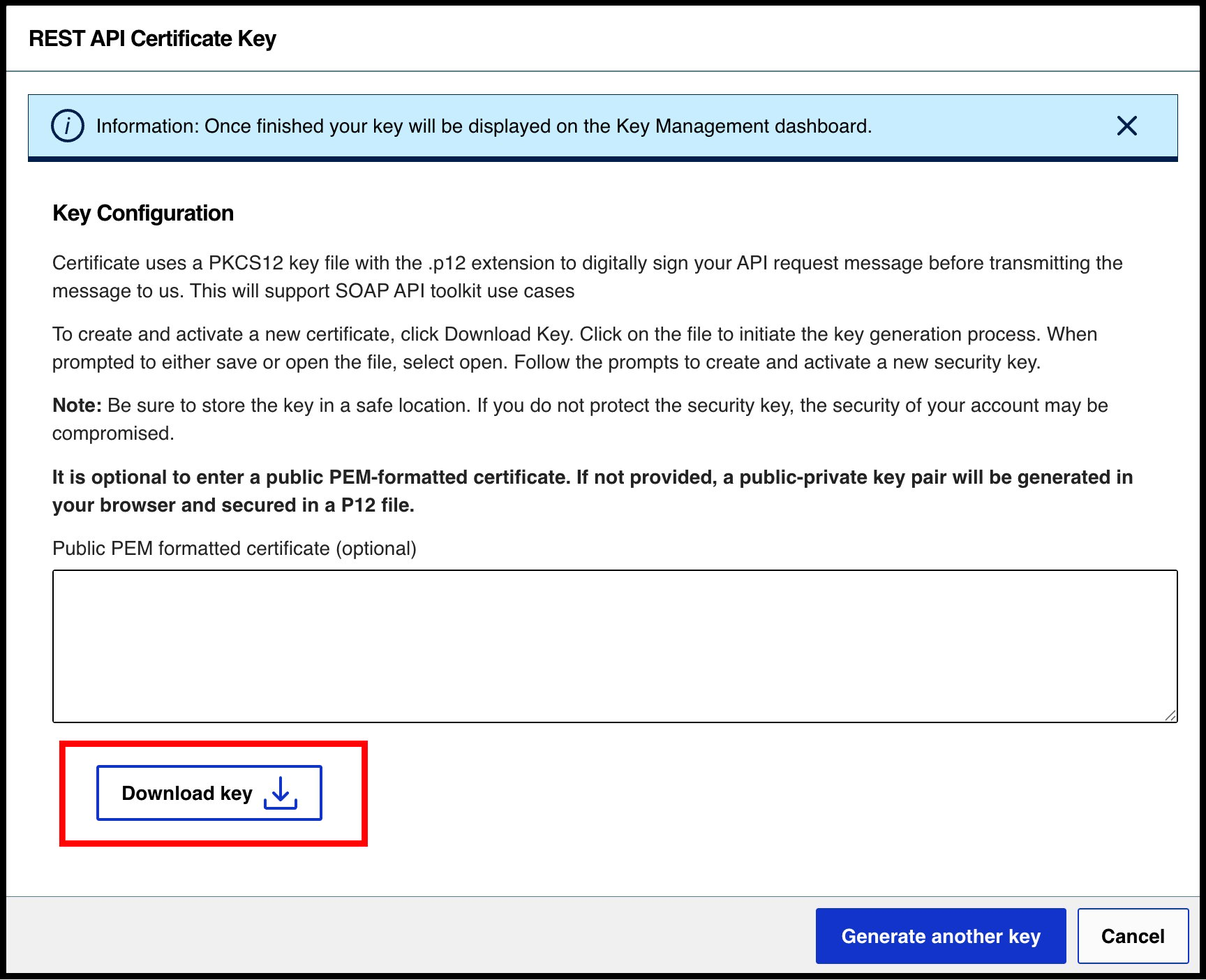
Download key
- Set a password on the prompt and note it down—this is your P12 certificate password
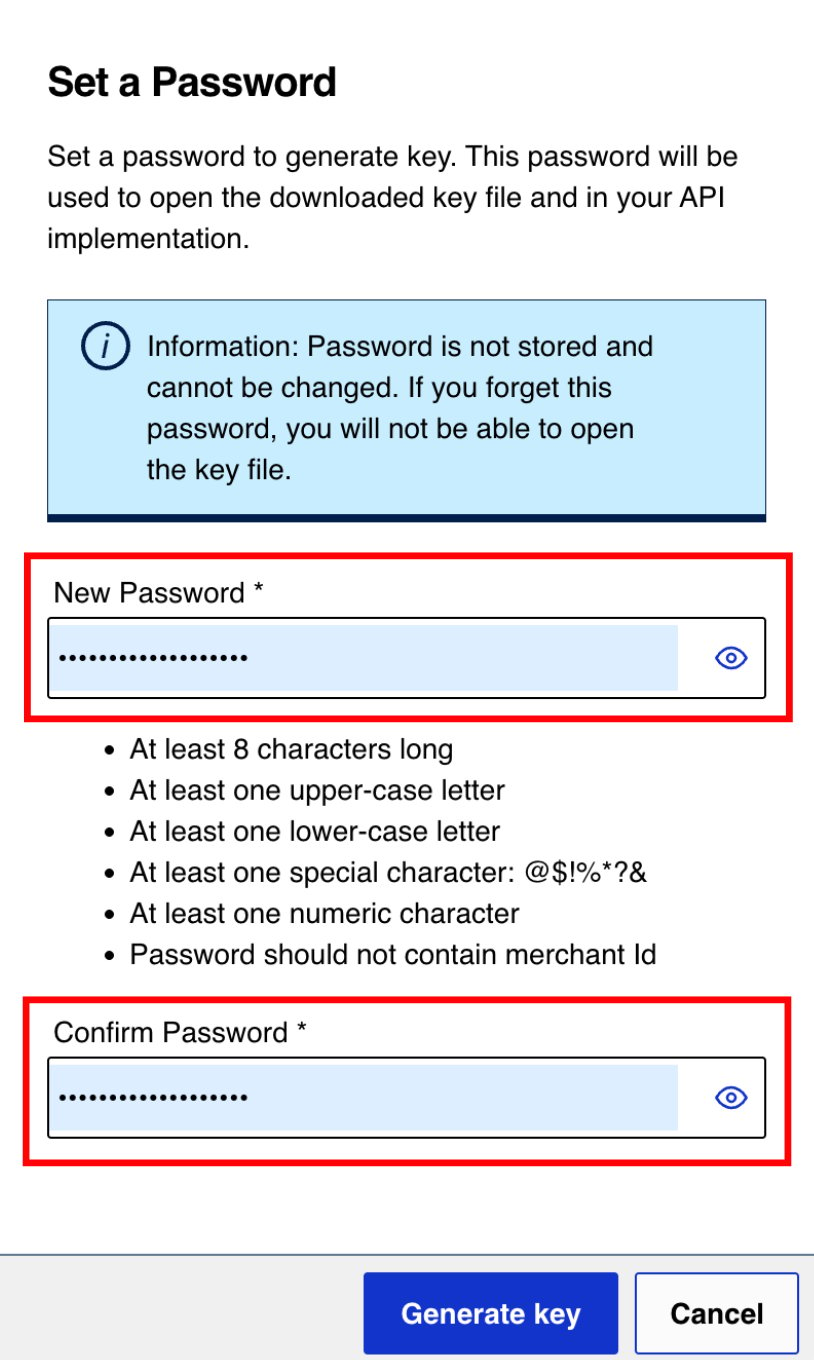
Set certificate password
- The
.p12file downloads automatically—upload it to the Gr4vy dashboard as your P12 certificate
- In Cybersource Business Center, go to Payment Configuration > Key Management
Key Management menu
- Click + Generate key and select REST–API Response MLE
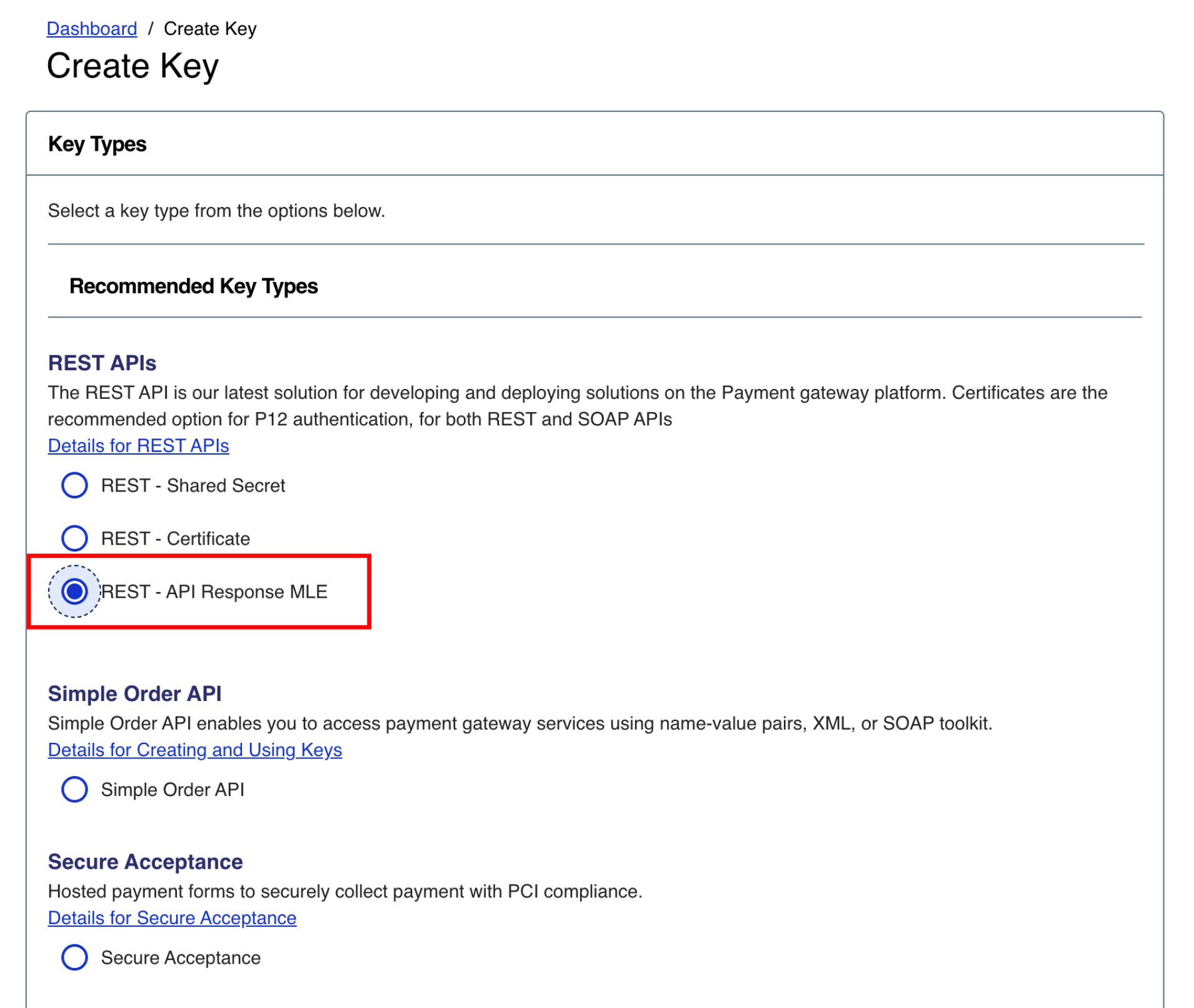
Create Key panel with REST–API Response MLE selected
- Click Download key
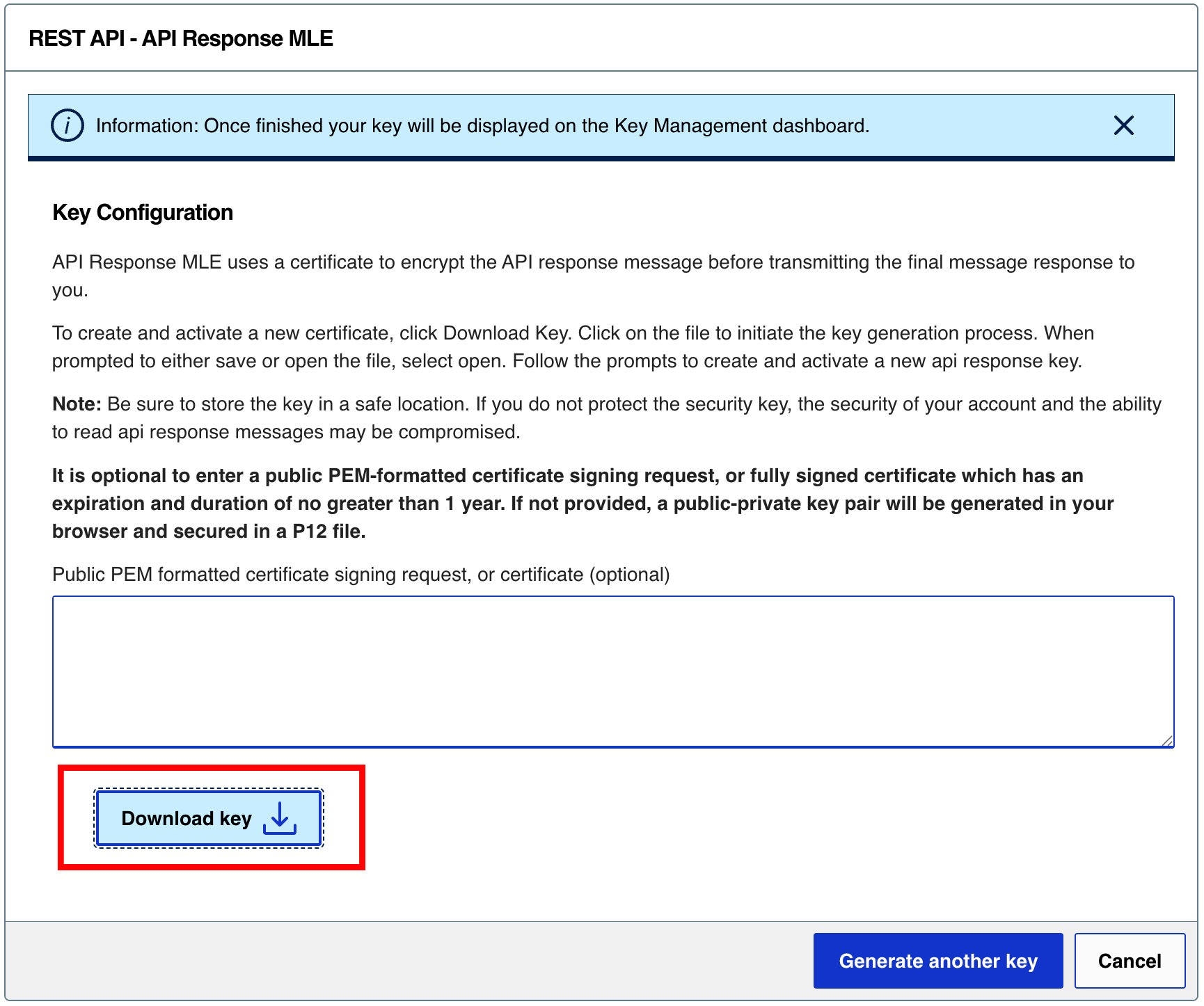
Download key
- Set a password on the prompt and note it down—this is your MLE Response P12 password
Set MLE password
- Upload the downloaded
.p12file here